
Keep the total in mind.
Allow for delivery and any applicable fees. Check your remaining balance before shopping.
USING YOUR CARD
From opening your gift to paying for something you love. Find the instructions for your card below.
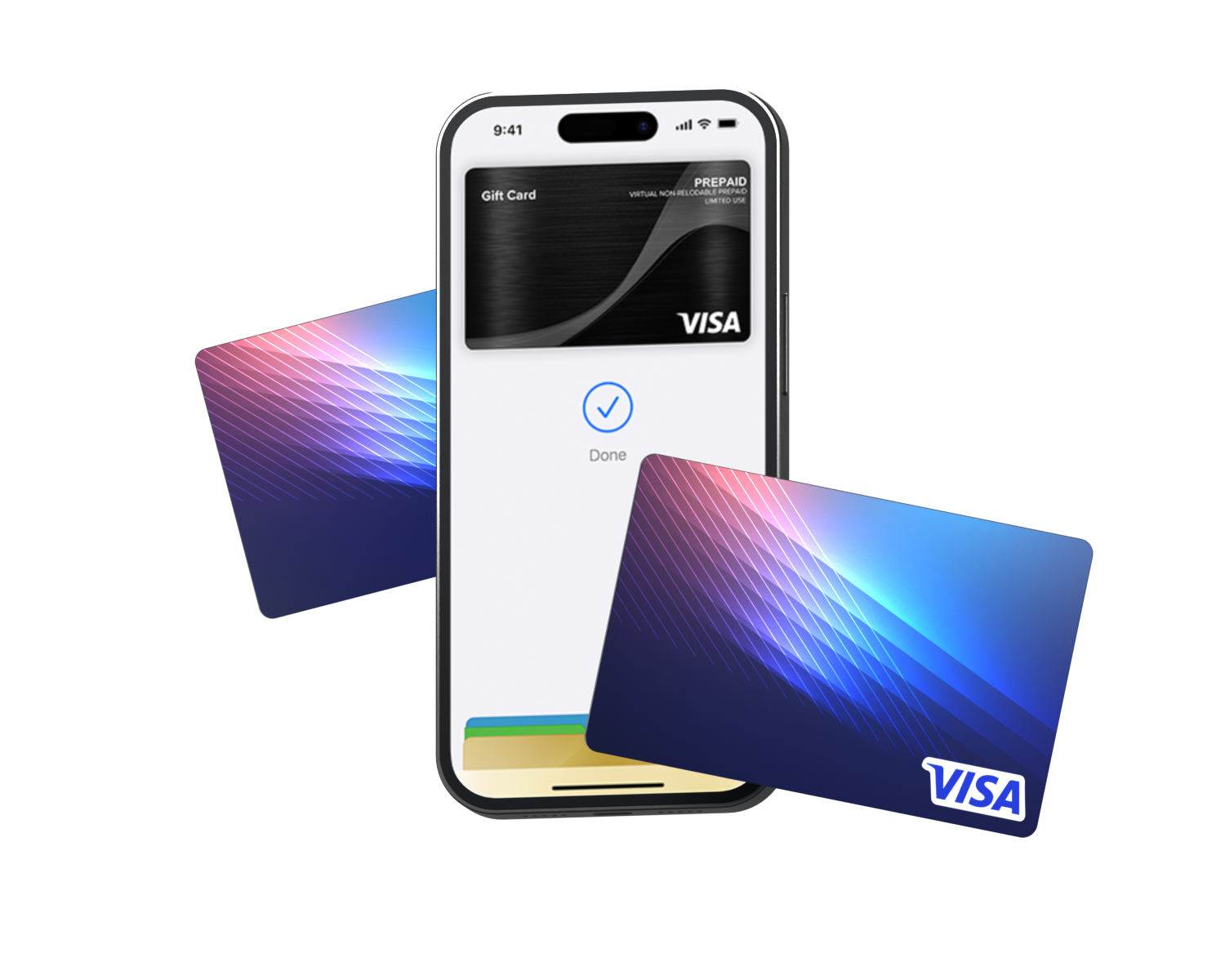
Which card do you have?
OPEN YOUR GIFT → ADD TO WALLET → PAY
Find your gift email and open its registration link. Complete the registration form to activate your Digital Card and see its card details.
Check your junk or spam folder. If it is still missing, contact the person or organisation that sent your gift, or ask cardholder support for help.
Open your registered eGift on your phone, select “Add to Wallet” and follow the on-screen instructions. The process will take you through My Card Wallet.
If you prefer to add your card manually, open your wallet app and enter the card details.



You need a compatible device and supported wallet. Verification and card limits are set by your wallet provider.
You can use your registered card’s details at an eligible online checkout without adding it to a mobile wallet.
At an eligible checkout, open your wallet and select this gift card. Authenticate as your device requests, then hold your phone close to the terminal’s contactless reader until payment is confirmed.
Wake and unlock your phone. Try holding the top or middle of your device closer to the reader for a few seconds. If it still fails, check your card details and contact your wallet provider.
Select debit or credit card at checkout. Enter the card number, expiry date and CVV shown in your registered eGift.
Keep the full total, including delivery, within your available balance. Online checkouts requiring 3D Secure are not supported.
Check your balance (opens in a new tab)CHECK YOUR BALANCE → PAY IN-STORE → SHOP ONLINE
Check your balance and expiry at Card Balance. Keep your card nearby and follow the site’s prompts.
Check your balance (opens in a new tab)No. Your physical card does not require registration to make purchases or to add it to a supported mobile wallet. However, registration of your physical card is required if you raise a dispute.
Swipe your card at the payment terminal, select credit and enter PIN if prompted.
Use the card number, expiry and CVV in the debit or credit card fields at an eligible checkout. Your balance should cover the complete order, including delivery.
Some merchants do not accept prepaid cards. Checkouts requiring 3D Secure are not supported.
No registration is required. Open your wallet app, choose the option to add a debit or credit card, enter your details and follow any verification prompts. Once added, select the gift card in your wallet to pay at a contactless reader.
Device compatibility and wallet-provider requirements apply.
A QUICK CHECK
Allow for delivery and any applicable fees. Check your remaining balance before shopping.
Everyday Visa and category cards have different acceptance rules. Merchant restrictions also apply.
Find your card →Check the expiry on your card or eGift.
A LITTLE HELP
Find a quick answer, or speak to our cardholder support team.
1800 778 619 →8am–10pm AEST, every day.
Check your balance, expiry, activation and card details. Confirm the retailer accepts your card and, for a category card, that its merchant category is eligible. Some payment types and online verification methods are not supported.
Contact cardholder support →Acceptance depends on your card type, the retailer and how the transaction is processed. Open the guide to find your card’s eligible merchant categories.
Find your card →Your gift card is not reloadable. ATM withdrawals, cash-out and recurring payments are not supported. See the card terms for full restrictions.
Contact cardholder support as soon as possible. Have your card information available if you have kept a record. Support can explain the options available for your card.
Merchant and card restrictions apply. Digital cards must be added to a supported mobile wallet for in-store use. Wallet availability depends on your device and provider.
Full card terms and acceptance rules →